 Walk Flower



Best Cute Habit Tracker Apps That Make Routines Feel Rewarding
Finch, Walk Flower, Plant Nanny and Forest compared with three more cute habit trackers: which routine each suits, the reward it gives, and its downside.
Finch is a good starting point for tracking everyday habits with a virtual pet. Walk Flower rewards daily walking with collectible flowers, while Plant Nanny makes logging water part of growing a plant. For focus sessions, Forest turns time spent concentrating into a growing collection of trees.
The best cute habit tracker depends on the routine you want to build. Some apps let you track several habits in one place. Others focus on one activity, such as walking, drinking water, or studying. These seven options give you something enjoyable to return to as you make progress.
We make Walk Flower, one of the apps on this list. The other six come from other studios, and each one gets the same treatment: what it’s for, and its downside.
The seven apps at a glance
| App | Best for | The reward |
|---|---|---|
| Finch | Everyday habits and self-care | Helping a virtual bird grow |
| Walk Flower | Daily walks and step counting | A new flower at 5,000 steps a day |
| Habit Rabbit | Turning habits into decorating | A rabbit’s home you clean up and decorate |
| Plant Nanny | Remembering to log water | Watering a virtual plant |
| Forest | Building a focus routine | A forest of virtual trees |
| Habitica | People who enjoy game rewards | Developing a role-playing character |
| Amaru | Self-care with a companion | Bonding with a virtual pet |
1. Finch — Best for everyday habits and self-care
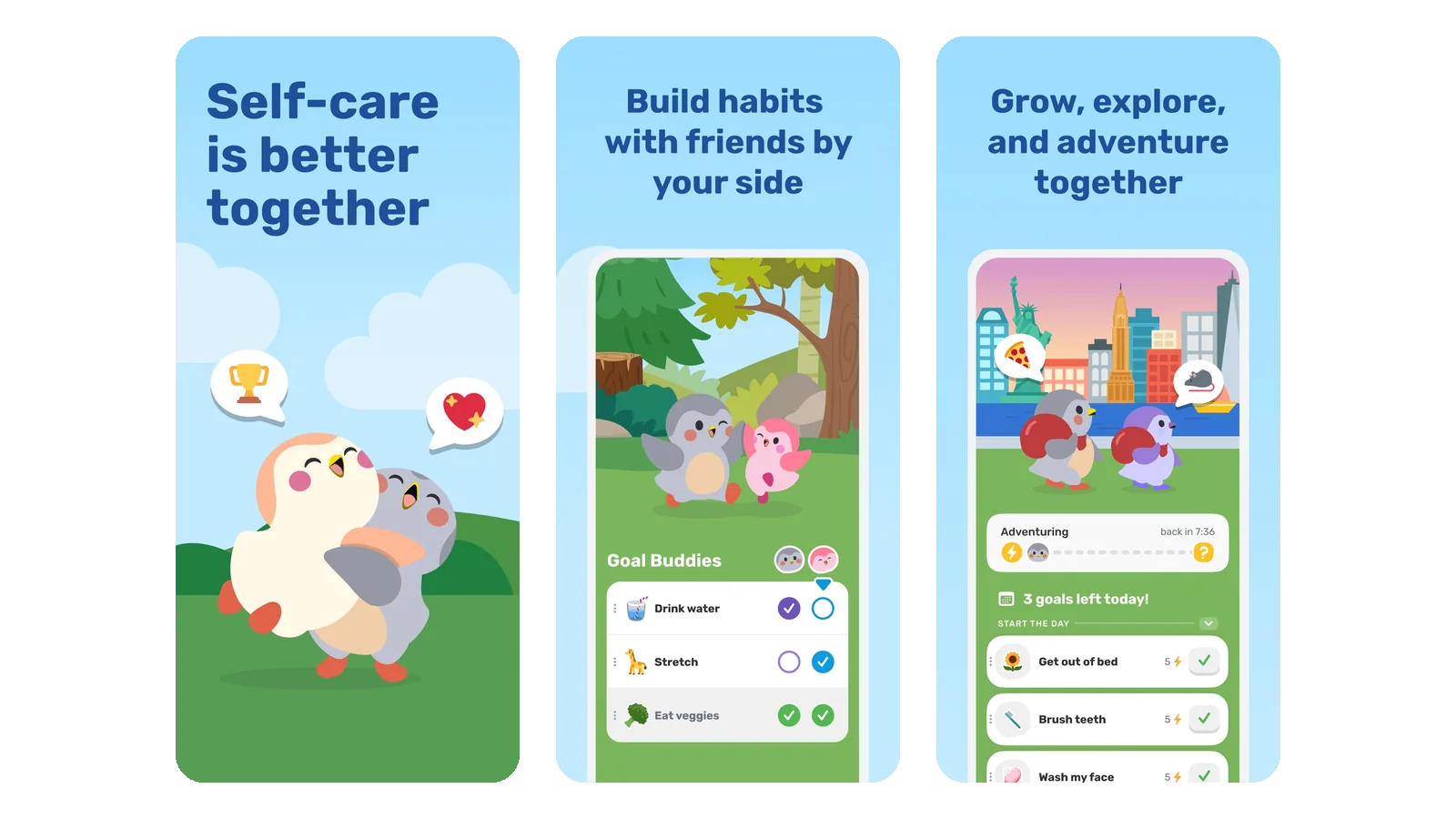
Finch connects your daily goals to caring for a small virtual bird. You can create goals, check them off, and help your companion grow through self-care activities. The app also includes reflection tools, mood tracking, and breathing exercises. Its core self-care features are free, with an optional Finch Plus subscription.
It’s a flexible choice for routines made up of small actions. You might add goals for making breakfast, stretching, reading a few pages, or getting ready for bed. Having a little companion gives those ordinary tasks a more personal reward.
Downside: You need to check off your goals yourself. It works best if opening the app becomes part of your routine.
2. Walk Flower — Best for daily walks and step counting
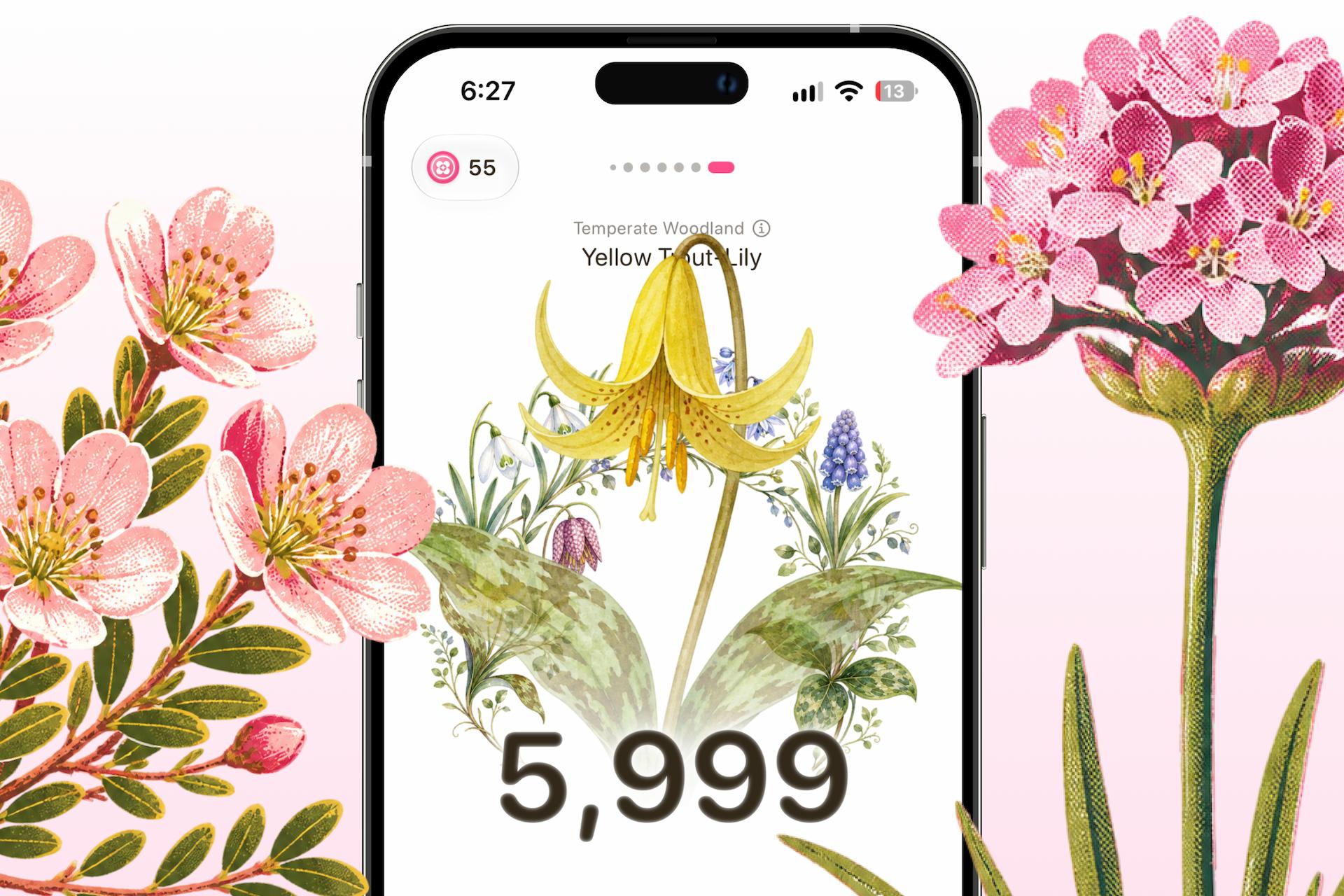
Walk Flower represents the walking side of habit building. It counts your steps and lets you reveal a collectible flower after reaching 5,000 steps in a day. Each week you pick a season of seven flowers to collect, and every past week stays on view with the flowers you earned. Optional friend features let you see each other’s steps and daily flowers (more in our guide to step counter apps for friends).
It’s a good fit if your main goal is to move more regularly. A lunchtime walk or an evening stroll contributes to something you can collect, giving you another reason to head out.
Walk Flower focuses specifically on walking, so it can sit alongside a broader habit tracker. Use one app for your morning checklist and Walk Flower for the steps you take throughout the day.
Downside: It’s currently iPhone-only, so Android users will need another walking app.
3. Habit Rabbit — Best for turning habits into a decorating game
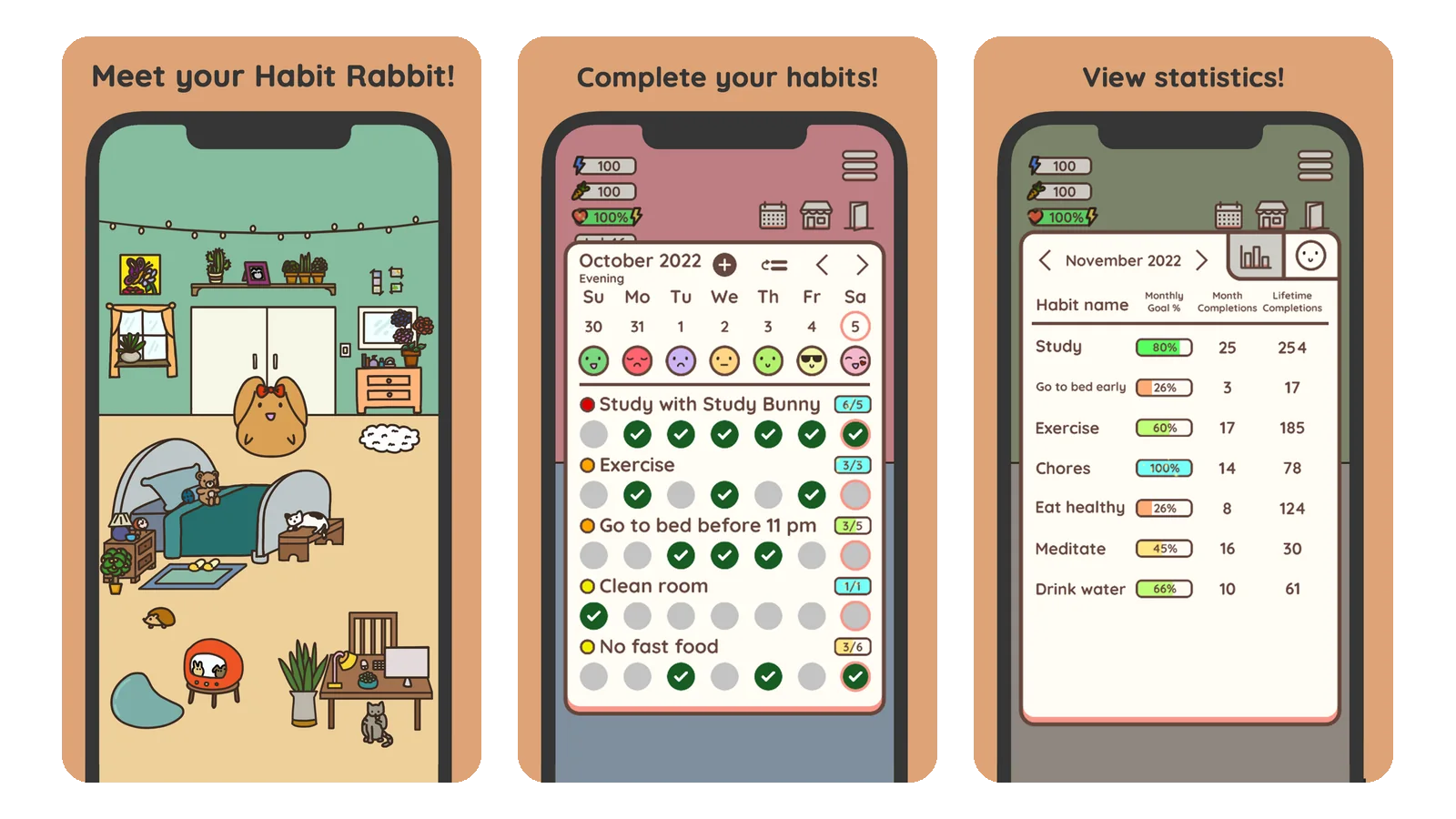
Habit Rabbit links completing habits to improving a virtual rabbit’s home. As you make progress, the space becomes cleaner and more colorful. You also earn carrots to customize your rabbit and decorate its house.
This is a good option if decorating a small space sounds rewarding. You could use it for routines such as tidying your desk, practicing a language, or doing a short stretch. Each completed habit contributes to a home you gradually make your own.
The changing room gives you a visible reminder of your effort, which may appeal more than a calendar full of checkmarks.
Downside: The decorating adds another activity to manage. If you want to record a habit and immediately close the app, the extra interaction may feel unnecessary.
4. Plant Nanny — Best for remembering to log water
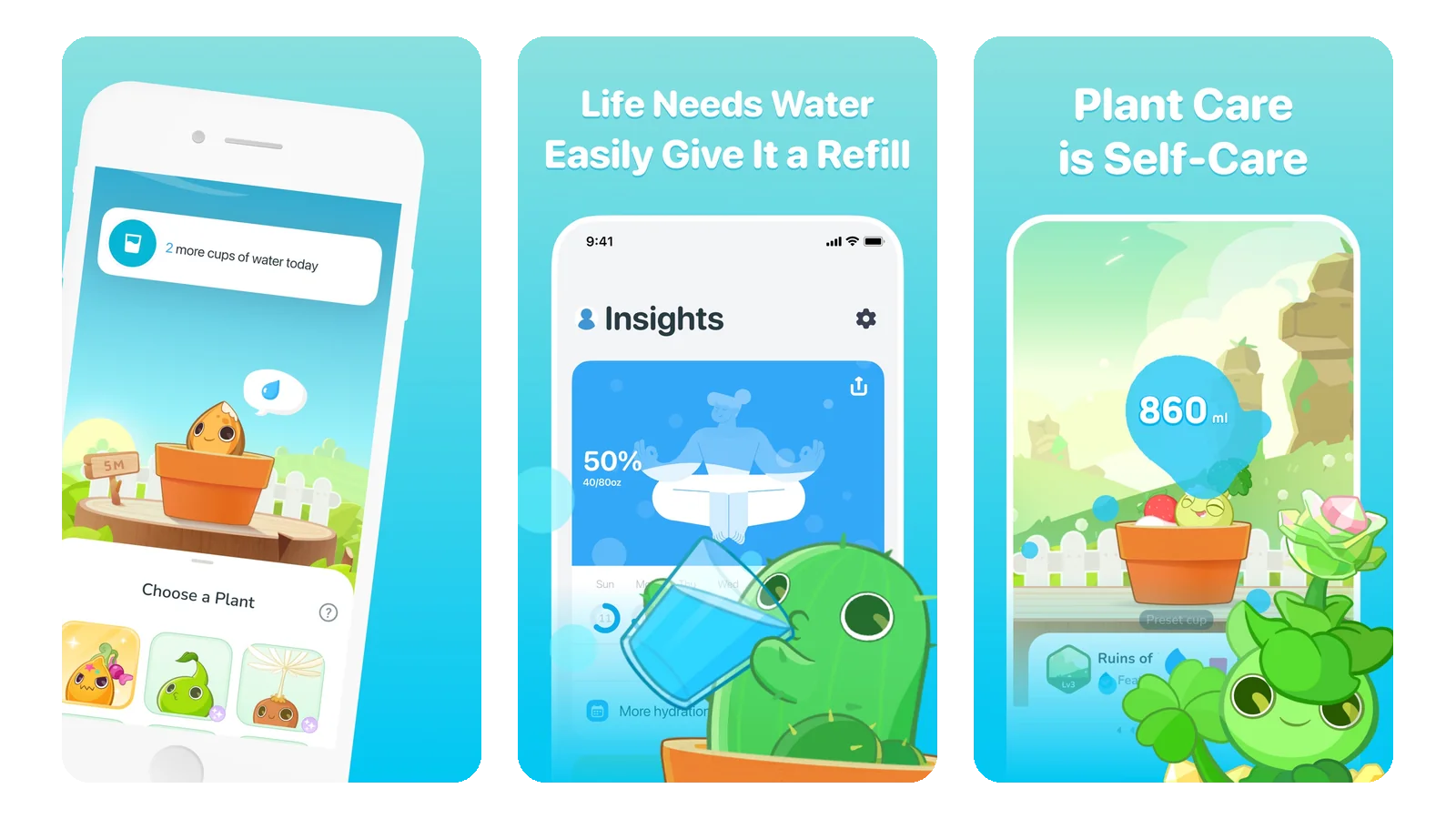
Plant Nanny is a water tracker that connects your drinking routine to caring for virtual plants. Each glass you record also waters your plant, making the act of logging water part of helping something grow.
It suits people who want a dedicated app for one routine. Instead of putting “drink water” on a general checklist, you can record individual drinks and watch your plant develop over time.
The reward is closely connected to the action, which makes the idea easy to understand from the start.
Downside: You need to remember to record your drinks. The plant’s progress depends on what you log in the app.
5. Forest — Best for building a focus routine
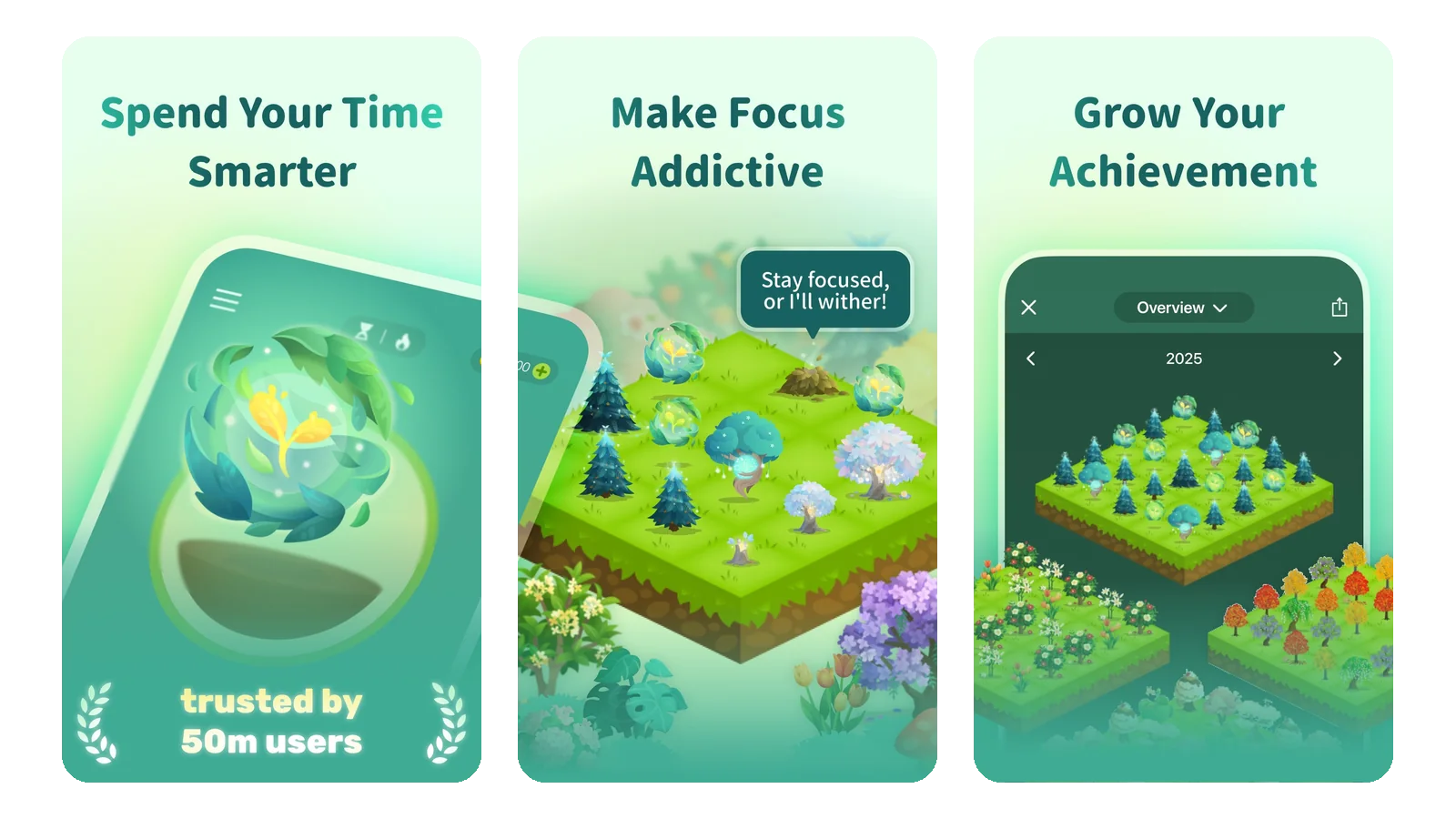
Forest is a focus timer built around growing virtual trees. You start a session, spend time concentrating, and build a forest that represents your focused time. The app also offers focus statistics and tools for blocking distractions.
It’s useful for habits that need a block of time: reading, studying, writing, or practicing a skill. “Read for 20 minutes” gives you a clear session to complete and a visual reward afterward.
Over time, the collection makes your effort easier to see. A brief daily session becomes part of a larger forest.
Downside: Forest tracks focused time. It won’t tell you whether you understood a chapter or finished a task, so you still need to decide what you want to accomplish.
6. Habitica — Best for people who enjoy game rewards
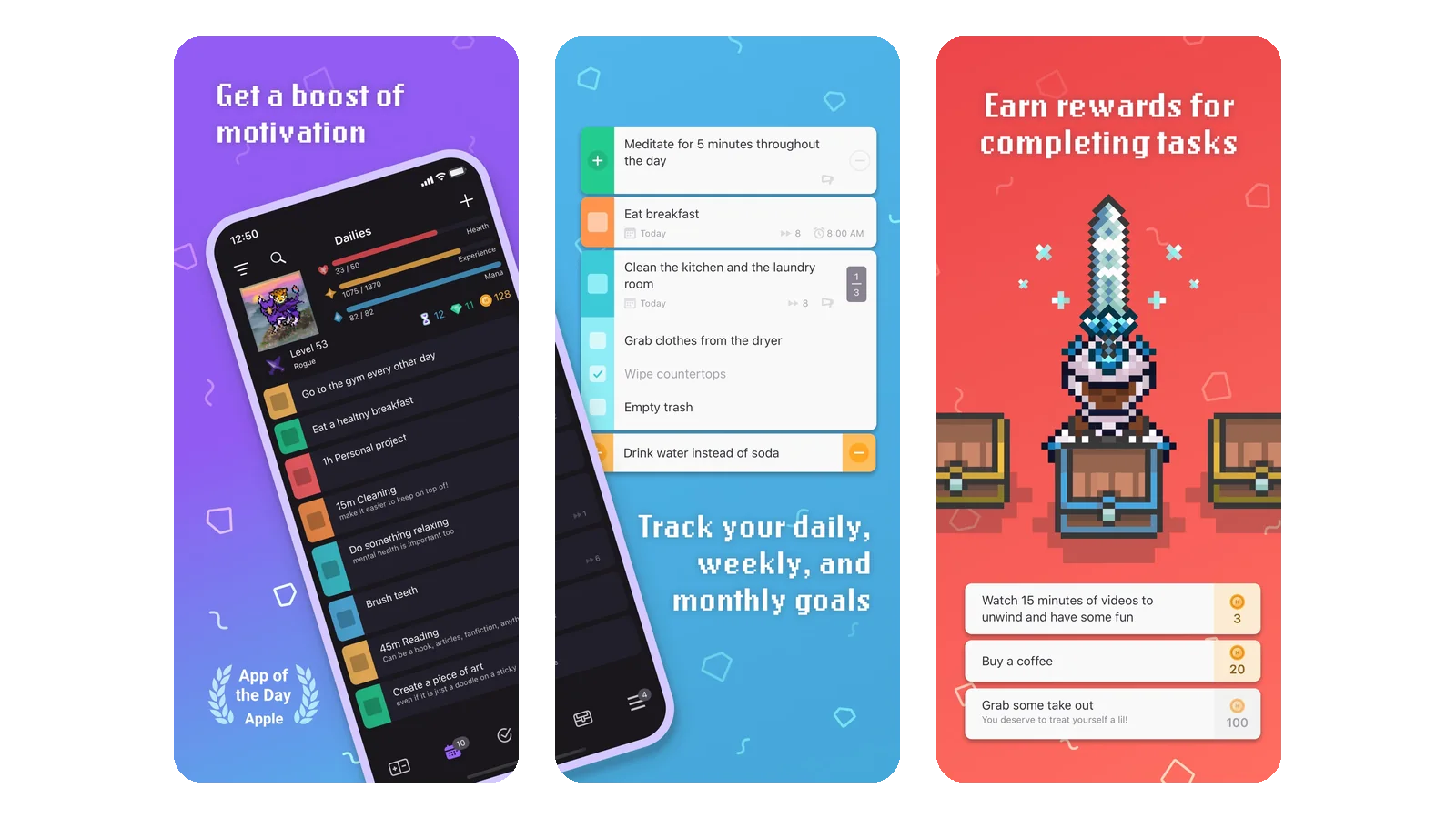
Habitica turns habits, daily goals, and to-do lists into a role-playing game. You manage real tasks while developing a character, with game rewards giving you reasons to keep completing them.
It’s a good fit if you want to organize several types of activity together. A recurring cleaning routine, a daily reading goal, and a one-time errand can all have a place.
The pixel-art style and game structure will appeal most to people who already enjoy character progression and collecting rewards.
Downside: There is more to learn than in a basic checklist. Setting up tasks and understanding the game can take time before it becomes part of your day.
7. Amaru — Best for a self-care routine with a virtual companion
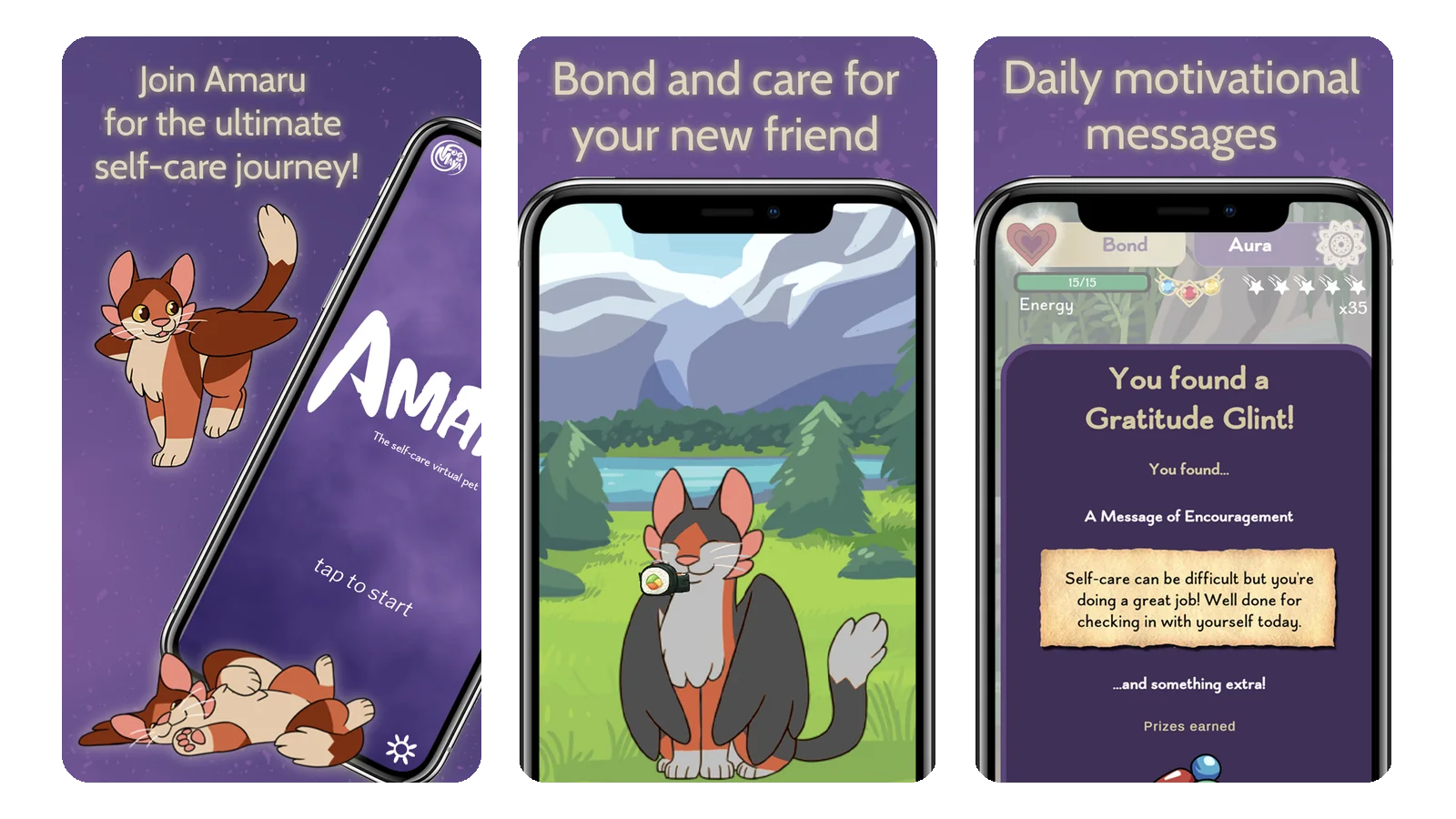
Amaru combines a virtual pet with self-care goals, journaling, and guided breathing and mindfulness activities. You can feed and care for your companion, customize its appearance, and develop your bond with it.
It’s worth considering if you want to make space for a daily pause. A short reflection or breathing session becomes something you do while checking in with a familiar character.
The cartoon pet gives the experience a different feel from a traditional productivity dashboard.
Downside: Its main focus is self-care and pet interaction. People looking to manage a detailed work routine may prefer a more general habit tracker.
How to choose a cute habit tracker
Choose the routine first, then the reward.
- Several everyday habits Finch, Habit Rabbit or Habitica
- Walking Walk Flower
- Drinking water Plant Nanny
- Focus sessions Forest
- Reflection and quiet breaks Amaru
Also think about how much interaction you want. Decorating a room or caring for a pet can be enjoyable, but it takes more attention than briefly checking your steps and collecting a reward.
Start with a routine you can repeat
- Start with one or two habits. Add them before building a full checklist. Make each action clear enough that you know when it’s done: read five pages, stretch for five minutes, or take a walk after lunch.
- Give the app a place in your day. You might check your walking progress after dinner or open your habit tracker while making your morning coffee.
- Keep it easy. The reward should make the routine more enjoyable. Keep the setup small enough that using the app remains easy on an ordinary day.