 Walk Flower





Best Step Challenge Apps for Friends, Groups and Work
Free and paid step challenge apps compared: which suit friends, team vs team groups and corporate challenges, plus how to run a fair weekly step challenge.

The best free step challenge app for friends is one everyone can join in a minute: Walk Flower runs free races, team vs team, shared goal and elimination step challenges with no member limit on iPhone, and StepUp is a simple free option. For a corporate step challenge with HR reporting, a paid workplace platform such as Pacer for Teams or YuMuuv is a better fit.
A step challenge only works if joining is easy, the rules feel fair, and people want to check the board again tomorrow. Below are six apps compared on exactly that, then a short guide to running a group step challenge that people finish.
We make Walk Flower, one of the apps on this list. The others come from other companies, and each one gets the same treatment: who it’s for, and its downside.
Step challenge apps at a glance
| App | Best for | Challenge types | Cost to run one |
|---|---|---|---|
| Walk Flower | Friends and small groups | Race, team vs team, shared goal, elimination | Free |
| StepUp | A simple free leaderboard | Group leaderboards with chat | Free |
| Stridekick | Mixed fitness trackers | Leaderboards, streaks, targets | Free up to 10 people for 7 days |
| Pacer for Teams | Clubs and company events | Group and team challenges | Paid plans for organizers |
| YuMuuv | Corporate wellness programs | Team step challenges with sign-up codes | Paid by the organizer |
| MoveSpring | Large employers | Individual, team and collaborative modes | Sold through Reward Gateway |
1. Walk Flower — Best free step challenge app for friends and groups
Walk Flower’s Challenges tab lets anyone start a step challenge for free. Pick Race friends for a straight leaderboard, Team vs team to split the group into up to four sides, Shared goal to fill one bar together, or Elimination to stay above a daily bar (how each one works). The invite sheet opens straight after you create it, so you can send the link before anyone loses interest.
Races, teams and elimination run weekly. The board resets each week, last week’s winner is kept in the challenge’s history, and anyone who joins midweek can still catch up. There’s no member limit, so the same challenge works for five friends or a whole running club.
Team scores use the average steps per active walker, so a team of three can beat a team of ten. Each day counts up to 60,000 steps, which keeps one outlier from running away with the week. Challenges are private and invite-only by default, and the creator can make one public so other walkers can find and join it.
Between challenges, Walk Flower is a step counter that reveals a collectible flower each day you reach 5,000 steps, so there’s something to walk for even in a quiet week.
Downside: Walk Flower is iPhone-only, and it has no admin dashboard or participation reports. It suits a friend group or a small office team, not a company-wide wellness program.
2. StepUp — Best for a simple free leaderboard
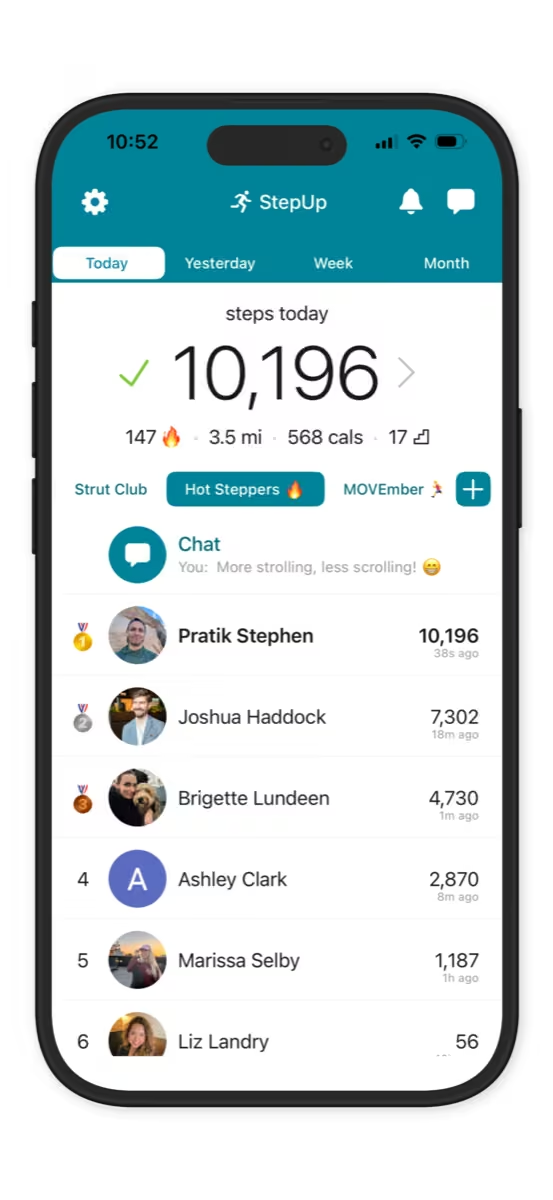
StepUp pairs automatic step counting with private groups, leaderboards and a group chat. Its listing says the features are free, with no subscription. It’s the plainest answer to “who walked the most this week?”
Downside: It’s built around one leaderboard. Groups with very different activity levels may want teams or average-based scoring so everyone stays in the race.
3. Stridekick — Best for a group on different fitness trackers
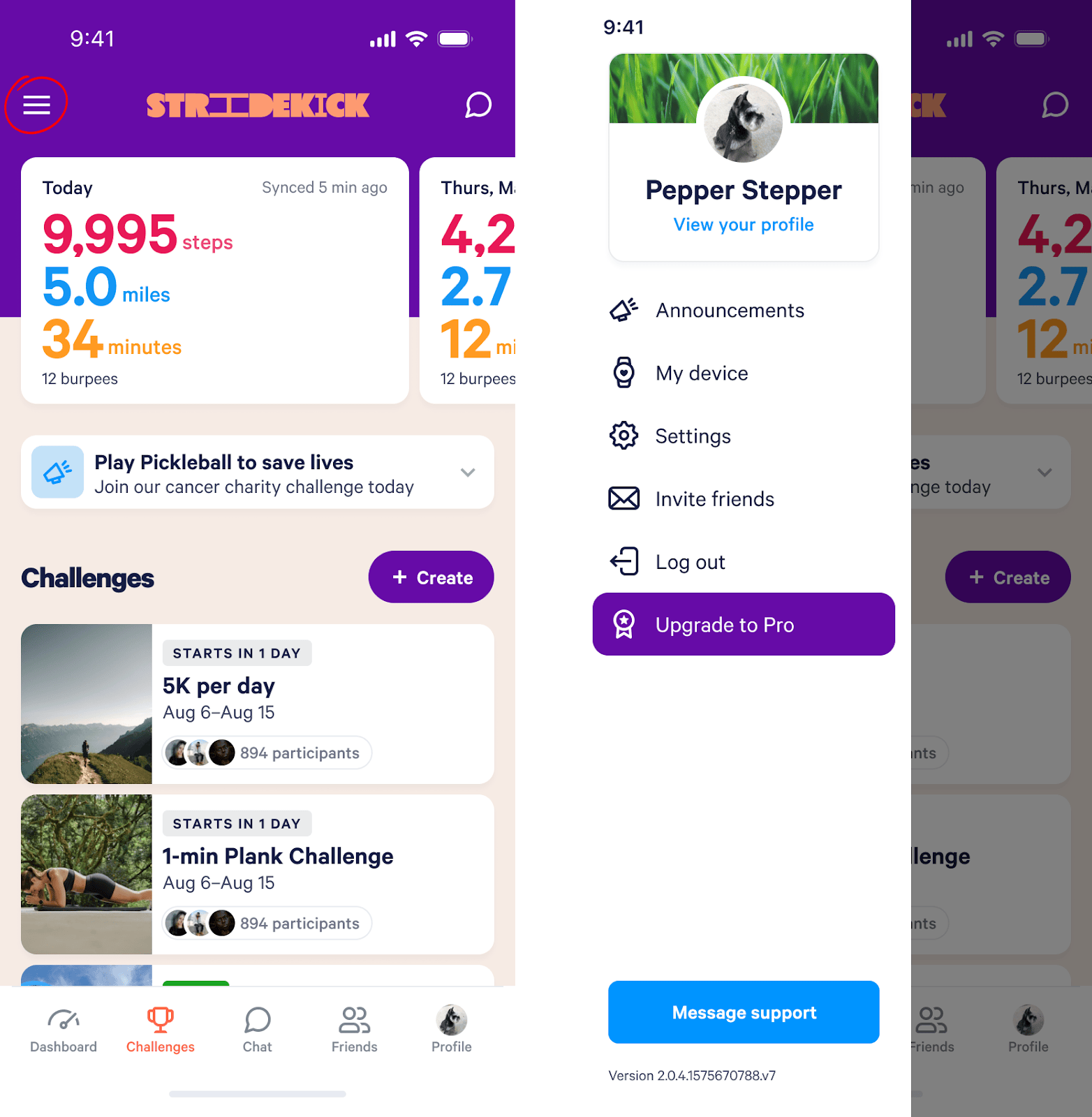
Stridekick pulls activity from Fitbit, Garmin, Apple Watch, Apple Health and more into shared challenges, with leaderboard, streak and target formats. That matters when half the group wears a Fitbit and the rest just carry a phone.
Downside: The free plan is limited to public challenges of up to seven days and ten people. Private and longer challenges need a paid plan.
4. Pacer for Teams — Best for clubs and one-off company events
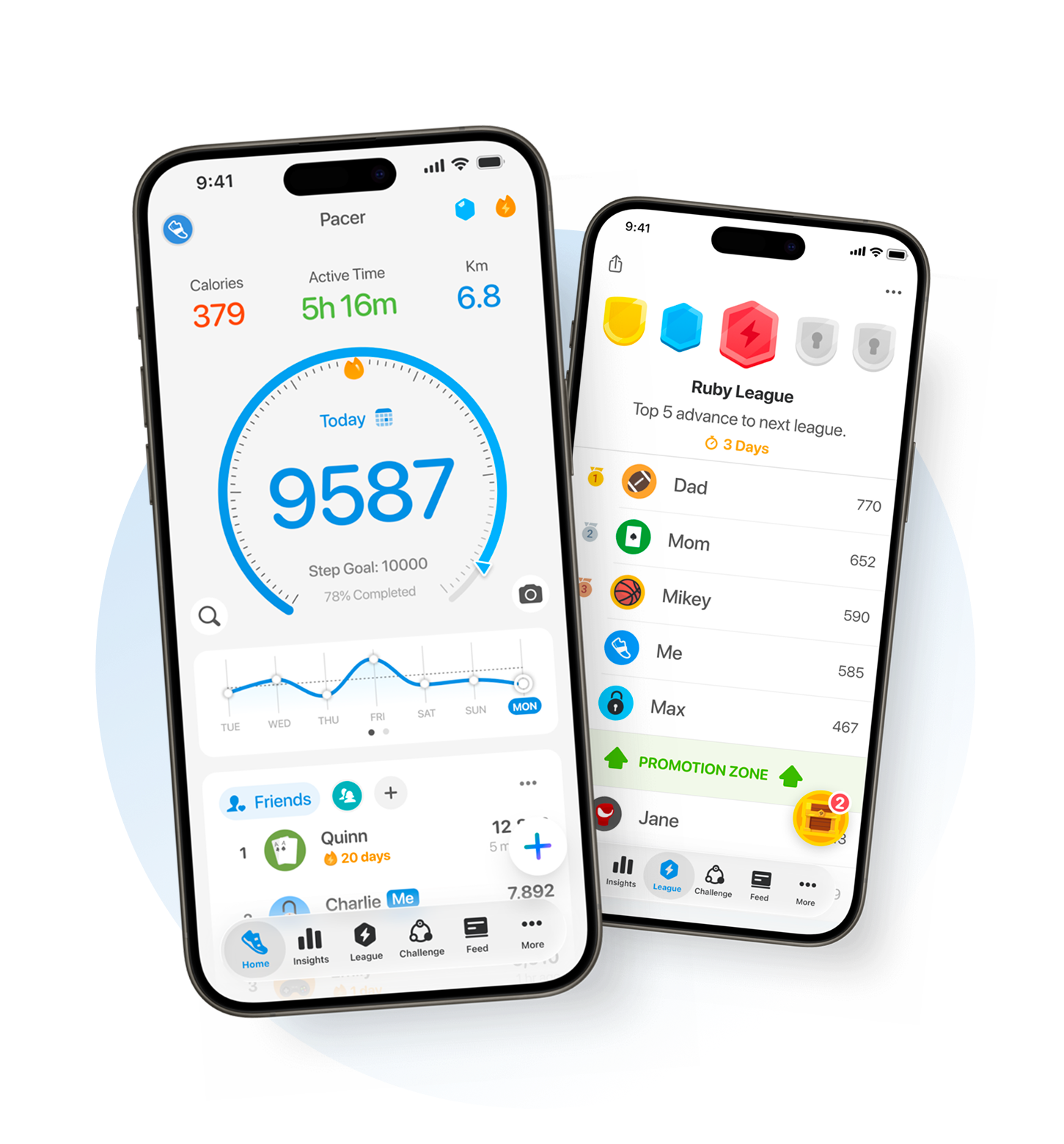
The Pacer app is free for walkers and works on iPhone and Android. Pacer for Teams adds organizer tools for running a group or corporate step challenge, with participants joining through a link or code.
Downside: The organizer tools are a paid plan, and some group challenges can be joined by people outside your group through links or discovery, so check the access settings (Pacer Help Center).
5. YuMuuv — Best for an organized corporate wellness challenge
YuMuuv is built for workplaces: a wellness coordinator sets up the challenge and sends sign-up codes, and employees join for free in the app. Teams compete on step leaderboards, and the organizer gets the setup and reporting tools that HR teams expect.
Downside: Organizer pricing isn’t published; you get a quote. Without a company code, individuals can only run small challenges of up to ten people.
6. MoveSpring — Best for large employers with a wellbeing platform
MoveSpring offers individual, team, collaborative and daily-habit challenge modes, and syncs with common wearables. It’s now sold as part of Reward Gateway’s employee engagement platform.
Downside: There’s no self-serve price list. It’s an annual contract through sales, which is more than a small team needs.
What’s the best free step challenge app?
For friends and small groups, Walk Flower and StepUp are both free with no participant cap to work around. Stridekick is free too, but only for public, week-long challenges with up to ten people. Corporate platforms are free for employees to join, but the company pays to run them.
Before you invite anyone, check what “free” covers: private challenges, team mode, longer challenges and bigger groups are where free plans usually stop.
How to run a group step challenge people finish
- Keep it to a week. A weekly step challenge is long enough to build a habit and short enough that nobody drifts away. If it goes well, run it again next week.
- Use teams when fitness levels differ. Team vs team with average scoring lets a daily 4,000-step walker matter as much as a marathon runner, because every walker moves the average.
- Cap the extremes. A daily step limit (Walk Flower counts up to 60,000 a day) stops one long hike from deciding the whole week.
- Make joining one tap. Send an invite link in the group chat the moment the challenge exists. Every extra step before joining loses people.
- Celebrate the week, then reset. Call out the winner, keep the history, and start fresh so latecomers have a real chance next round.
Step challenge ideas for teams
- Friends who like to compete A weekly race
- Family vs family, or flat vs flat Team vs team
- Departments at work One team per department
- A mixed-tracker running club Stridekick
Running a corporate step challenge
A corporate step challenge has two extra needs: reaching people across phones and devices, and showing results to whoever runs wellbeing. If you need participation reports, Android support and sign-up codes for hundreds of employees, a paid platform such as Pacer for Teams, YuMuuv or MoveSpring is worth the cost.
For a single office team or a few departments where everyone has an iPhone, a free app is often enough. In Walk Flower, start a Team vs team challenge, name each team after a department, and share the link in your work chat. Average scoring keeps a five-person team competitive against a twenty-person one.
Step challenge questions
How many steps should a step challenge target?
Most adults average somewhere between 4,000 and 8,000 steps a day, so a race needs no target at all, and a team goal works best set just above the group’s current average. For a gentler starting point, see walking 5,000 steps a day.
How long should a step challenge last?
One week. It’s easy to commit to, and a weekly reset gives people who fell behind a fresh start. Run several weeks back to back rather than one long month.
Can people with different phones join the same challenge?
It depends on the app. Pacer and Stridekick work across iPhone and Android; Walk Flower is iPhone-only. Check before you send the invite.
Want more ways to walk with people you know? See our roundup of step counter apps to use with friends.